
Cursor handles multi-file agent edits and routes across Claude, GPT, and Gemini, but its credit costs climb fast once you leave Auto mode, and its model control stays limited (your own key works in chat only, with no local models). That's what sends developers looking for a Cursor alternative.
If you're one of them, my top three are Devin Desktop (formerly Windsurf) for the closest IDE swap, GitHub Copilot for GitHub teams, and Cline for open-source model freedom.
I compared 11 tools on the things that drive a switch: pricing, model choice, autonomy, and interface. Here's the ranked list, with what each one is good at, where it falls short, and who it's for.
11 best Cursor alternatives: TL;DR
Short on time? Here's the ranked shortlist:
- Devin Desktop (formerly Windsurf): Best drop-in IDE swap for Cursor users
- GitHub Copilot: Best for teams working inside GitHub
- Claude Code: Best terminal agent for large codebases
- OpenAI Codex: Best pick if you already pay for ChatGPT
- Zed: Best for raw editor speed
- Cline: Best open-source, bring-your-own-key agent
- Superblocks: Best for governed internal apps your business teams build
- Aider: Best git-native terminal pair programmer
- OpenCode: Best for maximum model and provider freedom
- Amazon Q Developer: Best for AWS-centric teams
- Replit: Best for browser-based building from any device
Why look for a Cursor alternative?
Cursor covers the core job. Agent mode handles multi-file edits; it reads your whole codebase for context, and it routes across Claude, GPT, and Gemini from one editor, all for $20 a month on Pro. A few things still push people to shop around.
Costs jump the moment you leave Auto mode. Pro gives you roughly $20 of third-party model usage a month. Pick a specific frontier model like Claude Opus 5, billed at $5 per million input tokens and $25 per million output tokens, and that allowance drains in a few heavy sessions. Auto mode is cheaper, but you give up control over which model runs your task.
Model control is limited. Cursor now takes your own API key (OpenAI, Anthropic, Google, Azure, Bedrock), but only for chat, not for tab completion, which keeps running on Cursor's built-in models. There's still no support for local or open-weight models, so you can't point it at an Ollama model or a self-hosted endpoint.
It's an editor, not a terminal. Cursor lives in a VS Code fork. If your workflow is terminal-first, or you want an agent you can script and pipe into CI, a command-line tool works better.
Team billing gets murky. Usage-based charges billed in arrears make it hard to predict a monthly bill across a team, which finance teams tend to dislike.
Which Cursor alternative should you choose?
Skip the deep dives and start here:
- Choose Devin Desktop if you want the smallest jump from Cursor, since it's the same kind of AI IDE with a free plan good enough for daily work. Just know you'll be supervising it more than a hands-off agent.
- Choose GitHub Copilot if your team already runs on GitHub and you want AI across your editor, CLI, and pull requests for $10 a month. On big refactors, its agent won't go as deep as Cursor.
- Choose Claude Code if you need serious reasoning on large repos from the terminal. You'll pay for it, and you're tied to Anthropic's models. See how it stacks up in Cursor vs Claude Code.
- Choose OpenAI Codex if a ChatGPT subscription is already on your bill, since Codex comes with the $8 Go plan and up. The tuning favors OpenAI models, so you lose some model flexibility.
- Choose Zed if editor speed matters more than anything and you code mostly solo. Its AI layer hasn't had the years Cursor's has to mature.
- Choose Cline or OpenCode if you care about bringing your own key and routing any model, including local ones, and you don't mind handling the setup yourself.
- Choose Superblocks if the people who want to build aren't developers, and IT needs governance over what ships. It's a governed app platform rather than a coding IDE.
- Choose Aider if you'd like every change committed to git as you pair with the model in the terminal. There's no visual interface.
- Choose Amazon Q Developer if your stack lives on AWS and you'd like coding help folded into it. Outside AWS, it offers less.
- Choose Replit if you want to build in the browser from any device with the database and hosting bundled in. Just know it behaves like an app builder, not a precise code editor.
- Stick with Cursor if you want a mature IDE with per-request model routing and the credit costs fit your budget.
11 best Cursor alternatives: at a glance
Here's the full field side by side before the deep dives:
| 💻 Tool | 🎯 Best for | 💰 Starting price |
|---|---|---|
| Devin Desktop (formerly Windsurf) | Closest swap from Cursor | $20/month |
| GitHub Copilot | GitHub-native teams | $10/month |
| Claude Code | Large-repo reasoning | $20/month |
| OpenAI Codex | ChatGPT subscribers | $8/month |
| Zed | Raw editor speed | $10/month |
| Cline | Bring-your-own-key freedom | Free (BYOK) |
| Superblocks | Governed internal apps | $125/month |
| Aider | Git-native pair coding | Free (BYOK) |
| OpenCode | Maximum model freedom | Free (BYOK) |
| Amazon Q Developer | AWS-centric teams | $19/user per month |
| Replit | Browser-based building | $20/month |
Prices are the lowest paid tier as of August 2026, billed monthly unless noted.
1. Devin Desktop (formerly Windsurf)
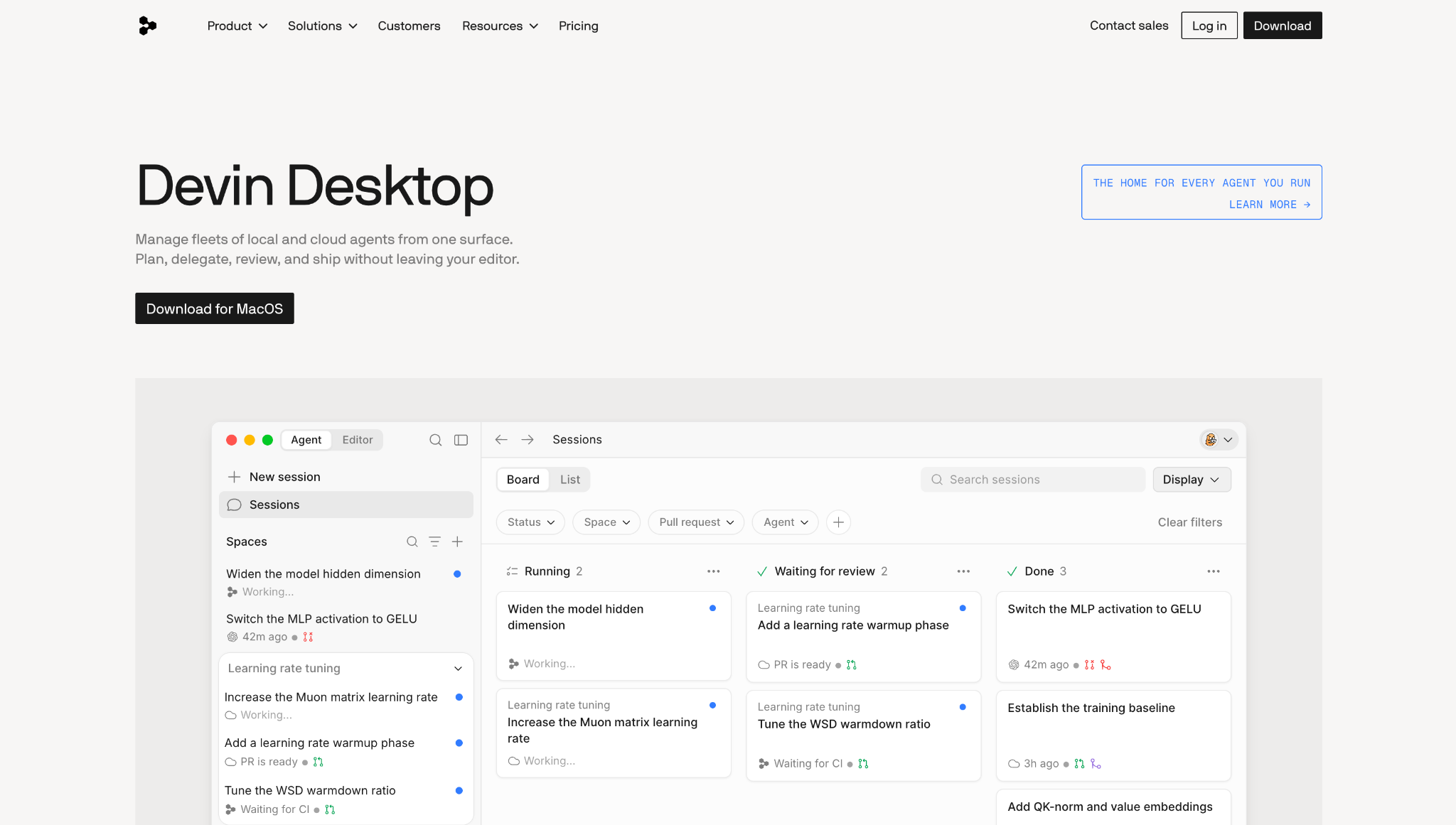
Devin Desktop, the IDE most people still know as Windsurf, is the closest thing to a drop-in Cursor replacement, which is why it tops this list. Cognition renamed Windsurf to Devin Desktop on June 2, 2026, delivered as an over-the-air update, so the editor you knew is still there under a new name.
It's a VS Code-compatible AI IDE, now organized around an Agent Command Center, a Kanban board where you manage every local and cloud agent in one view. Cursor keeps you in a single editor session. Devin Desktop lets you run a fleet of agents and review their work as it lands.
Key features
- Agent Command Center: A Kanban board tracking agents across Running, Waiting for Review, and Done.
- Fast Context: Indexes your codebase to find the exact files an agent needs in milliseconds.
- Agent Client Protocol: Runs third-party agents like Claude Agent and Codex in the same workflow.
Pros
✅ Free plan that covers daily coding, well beyond a short trial
✅ Familiar VS Code environment with a gentle switch from Cursor
✅ Manages local and cloud agents from one board
Cons
❌ The June 2026 rebrand left some docs lagging behind
❌ More supervised than a fully hands-off agent
❌ Two name changes in a year make older tutorials confusing
Best for
- Cursor users who want the smallest learning curve
- Developers juggling several agents at once
Pricing
Free tier available. Pro is $20/month with frontier models and cloud agents.
2. GitHub Copilot
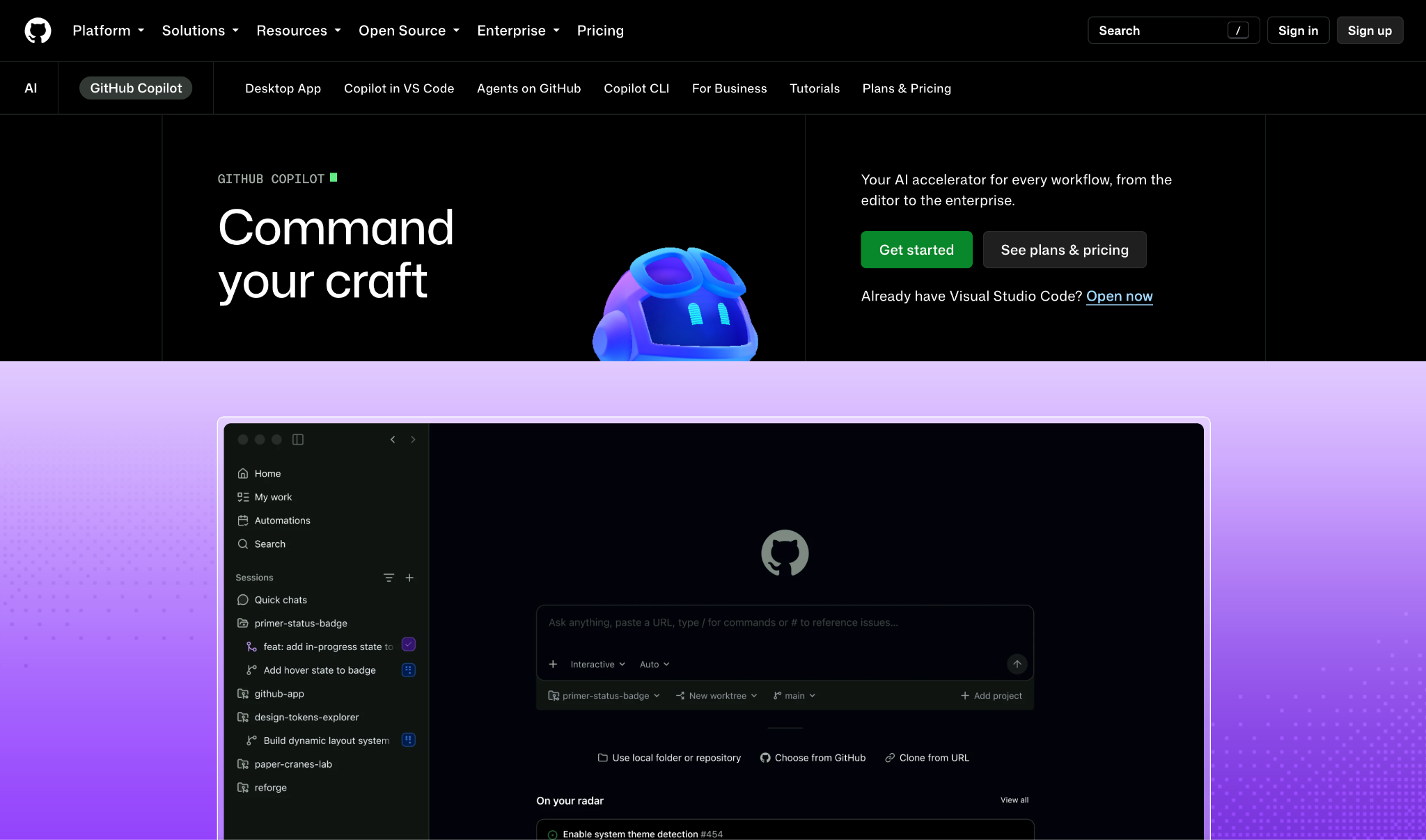
GitHub Copilot is the natural pick for teams that already live inside GitHub. It layers AI across your editor, the CLI, and github.com itself, so code review, pull requests, and the agent all sit in one place.
You get a model picker spanning Claude, GPT, and Gemini, an agent mode that plans and executes tasks in the background, and PR reviews Copilot can run across every pull request. At $10 a month, the entry price undercuts much of this list.
Key features
- Agent mode: Plans, explores, and executes coding tasks in the background.
- Model picker: Switch between Claude, GPT, and Gemini per task.
- Native PR reviews: Copilot reviews pull requests directly on github.com.
- Wide editor support: Works across VS Code and Visual Studio to JetBrains, Eclipse, Neovim, and Xcode.
Pros
✅ Low $10 entry price
✅ Reviews pull requests and runs its agent directly on GitHub.com
✅ Runs in 7 editors: VS Code, Visual Studio, JetBrains, Eclipse, Neovim, Xcode, and Azure Data Studio
Cons
❌ Agent mode is shallower than Cursor on large refactors
❌ Premium models burn through monthly credits fast
Best for
- Teams standardized on GitHub
- Anyone who wants AI inside their current editor
Pricing
Free for individuals. Pro is $10/month with the cloud agent and code review.
3. Claude Code
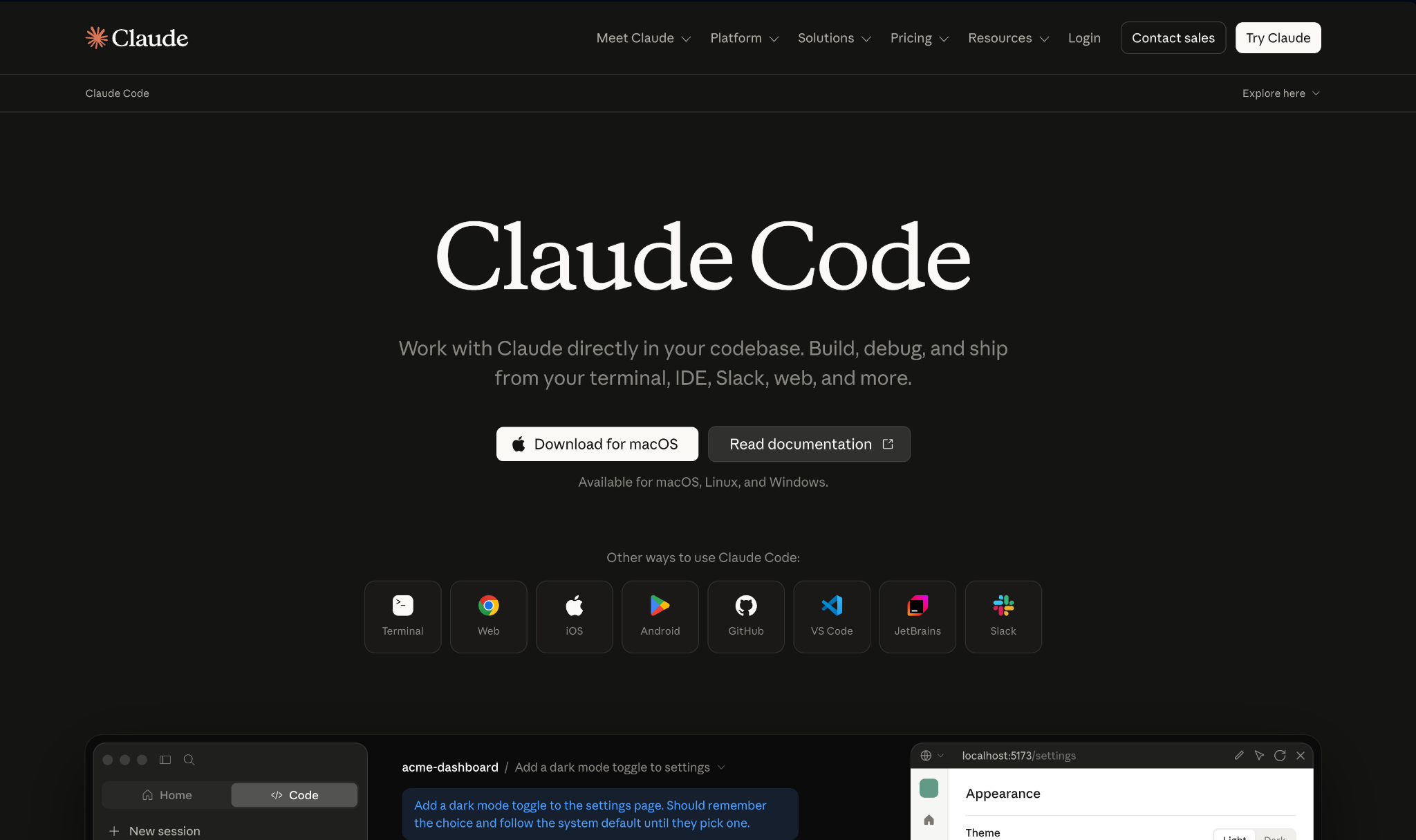
Claude Code is the terminal agent to reach for on a big, messy codebase. It maps a whole project quickly, then makes multi-file edits that respect dependencies, all from the command line without switching to an editor.
Anthropic designed it around careful reasoning and a 1M-token context window on Opus and Sonnet. It reads a GitHub issue, writes the code, runs tests, and opens a pull request on its own; on harder jobs, it orchestrates parallel subagents that verify results before handing them back.
Key features
- Terminal-native agent: Runs in your command line beside your existing CLI tools.
- Parallel subagents: Spawns focused subagents for multi-step work.
- MCP support: Connects to databases, deployment, and monitoring tools.
Pros
✅ 1M-token context maps large, tangled repos in one pass
✅ End-to-end issue-to-PR workflow
Cons
❌ Runs only on Anthropic's models
❌ Heavy use climbs to $100 or more a month
Best for
- Developers working across large codebases
- Teams that want the official Anthropic workflow
Pricing
Free tier available. Pro is $20/month with Claude Code in your codebase.
4. OpenAI Codex
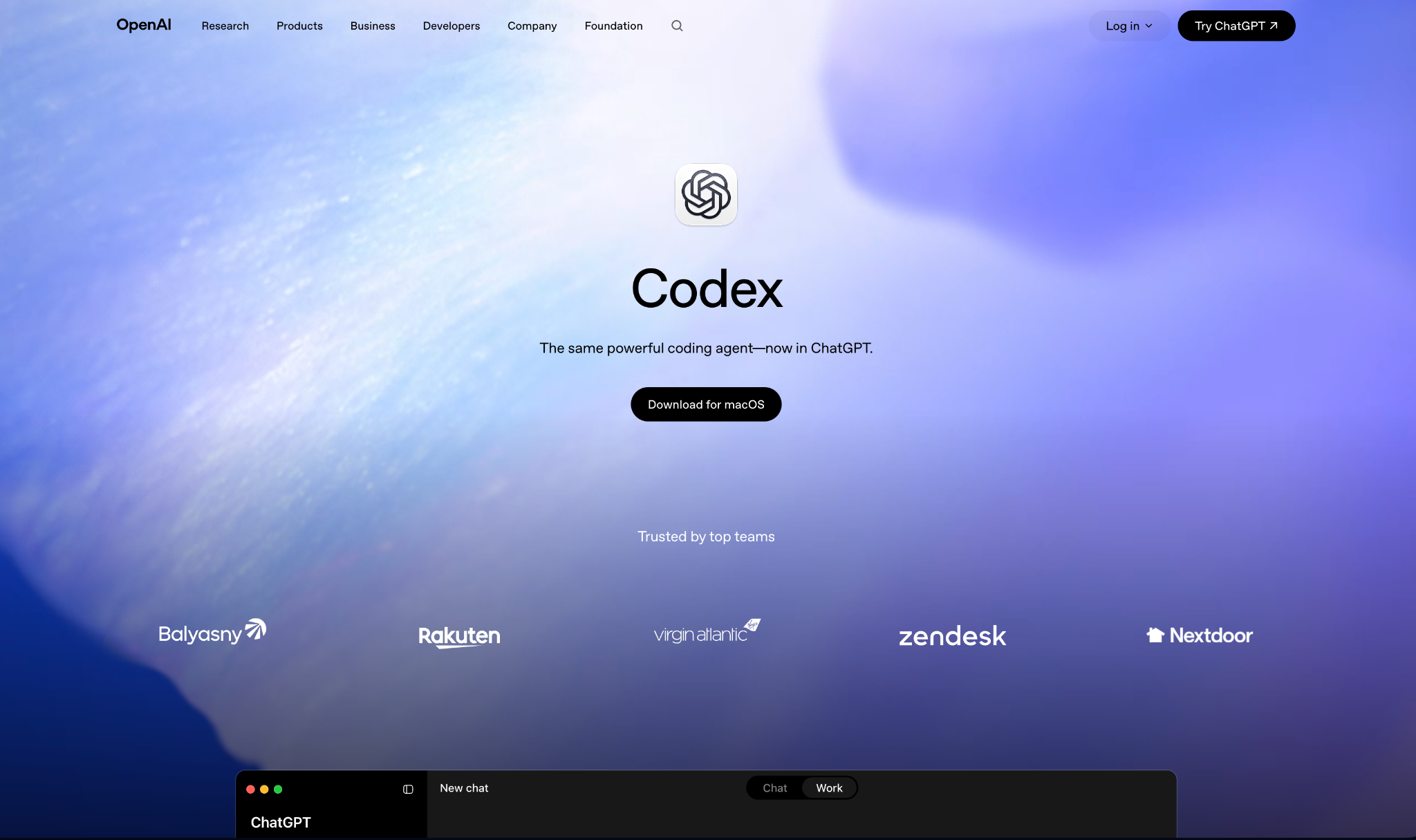
Codex makes sense the moment you already pay for ChatGPT. It rides along with your subscription across three surfaces: ChatGPT, an IDE extension, and a CLI, all tied to one account so you move between them without re-authenticating.
Tuned for OpenAI's frontier models, Codex handles pull requests, refactors, and migrations end to end. Its Skills system lets you teach it your team's standards once, and it can run scheduled background work like issue triage and CI checks.
Key features
- Three surfaces, one account: ChatGPT, IDE extension, and CLI share the same login.
- Skills system: Teach Codex your org's conventions for consistent output.
- Scheduled automation: Runs background jobs like triage and CI monitoring.
Pros
✅ Bundled with ChatGPT plans, no extra subscription
✅ Strong on end-to-end refactors and migrations
✅ Parallel agents across projects
Cons
❌ Tuned for OpenAI models, so less model-agnostic
❌ Usage-based credits climb on heavy runs
Best for
- Developers already inside the OpenAI ecosystem
- Teams wanting scheduled, automated background work
Pricing
Included with ChatGPT. Go starts at $8/month for limited Codex access.
5. Zed
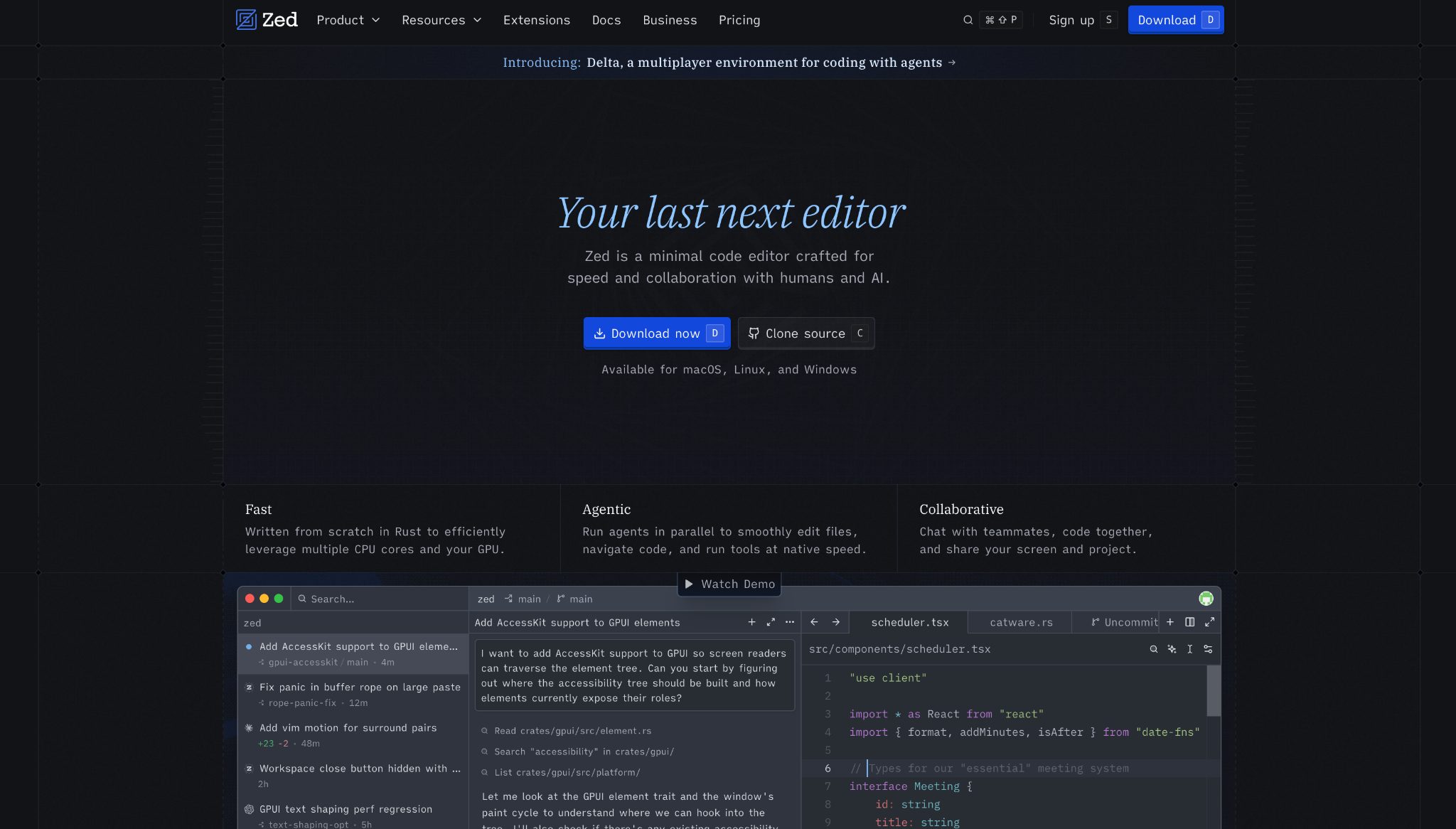
Zed is the answer when editor speed is the whole point. Written from scratch in Rust with GPU acceleration, it opens fast, types with almost no latency, and stays responsive on big files where an Electron-based editor like Cursor starts to drag.
Created outside the VS Code lineage, Zed was designed for agentic work from the start, so you can bring your own key, pick your model, and delegate edits to agents like Claude Agent or Codex with live progress.
That same speed shows up as you type. Edit Prediction, powered by the open-weight Zeta2 model, anticipates your next move before you make it.
Key features
- Rust and GPU speed: Native performance, not layered on Electron.
- Bring-your-own model: Route Claude, Codex, or OpenCode agents through ACP.
- Multiplayer editing: Live collaboration and screen sharing included.
Pros
✅ Only editor here written in Rust with GPU acceleration, no Electron layer
✅ Free forever tier with your own API keys
✅ Native Git, debugging, and multibuffer editing
Cons
❌ AI layer is younger than Cursor's
❌ Smaller extension ecosystem than VS Code
Best for
- Developers who put raw speed first
- Teams that want live collaborative editing
Pricing
Free forever. Pro is $10/month with hosted AI and included tokens.
6. Cline
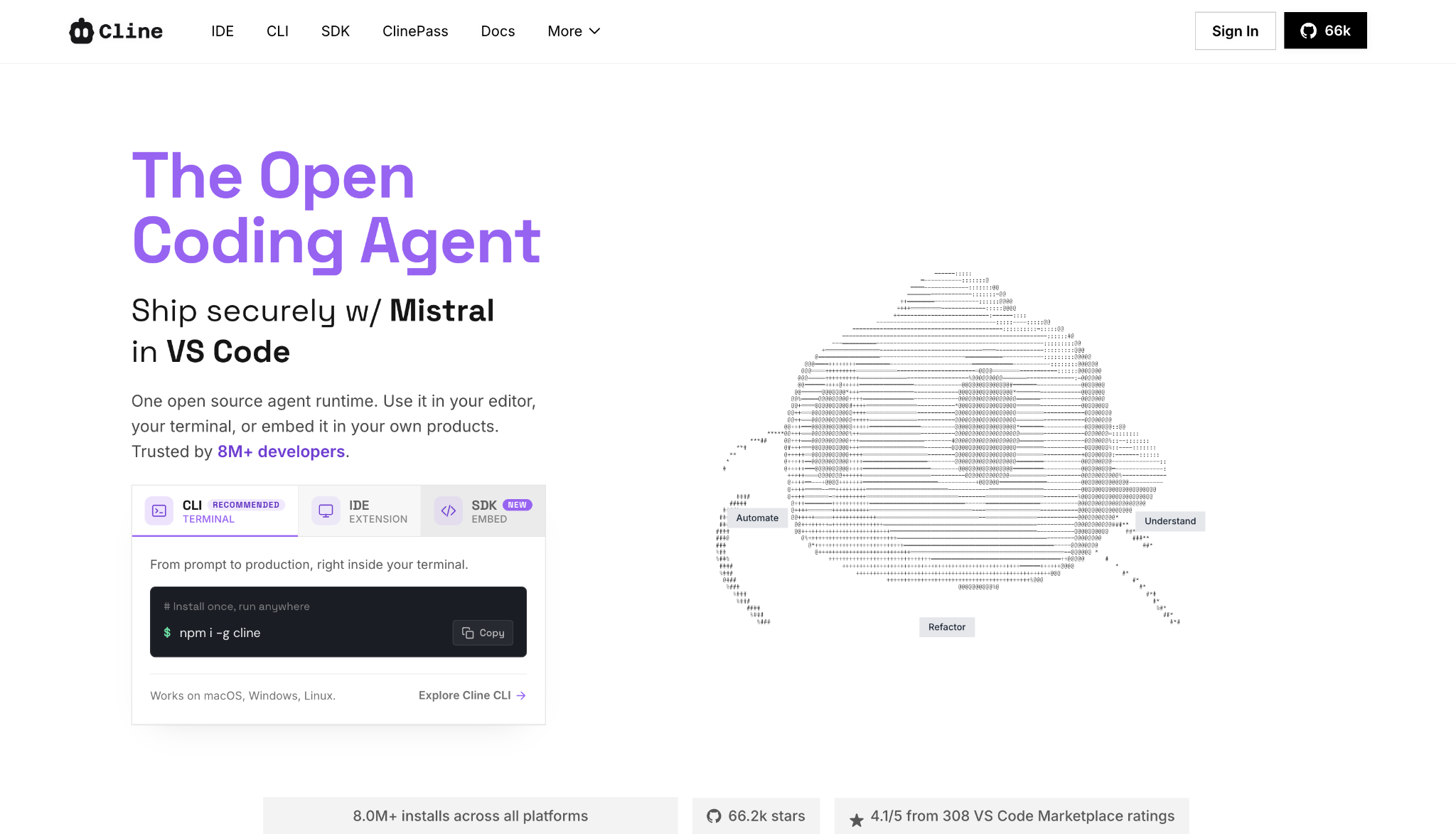
Cline hands you full control over which model touches your code. It's open-source under Apache 2.0, installs as a VS Code extension or a CLI, and points at any provider you supply, from Claude and GPT to a local Ollama model. You pay only for the tokens you use.
Its Plan and Act modes split the work. Plan aligns on strategy first, then Act makes the changes behind approval gates or on autopilot. You shape how it works too: a .clinerules file embeds your team's standards, and the MCP Marketplace adds custom tools on top.
Key features
- Model-agnostic: Bring any API key or run models locally.
- Plan and Act modes: Strategize first, then execute under your review.
- MCP Marketplace: Add custom tools and connect Slack, Linear, or CI.
Pros
✅ Free and open-source, pay only for model usage
✅ Full model freedom, including local and offline
✅ Trusted by more than 8M+ installs
Cons
❌ Setup and key management fall on you
❌ Output quality depends on the model you supply
Best for
- Teams that want bring-your-own-key value
- Privacy-first shops running local models
Pricing
Free and open-source. You pay your model provider per token. See Cline pricing page.
7. Superblocks
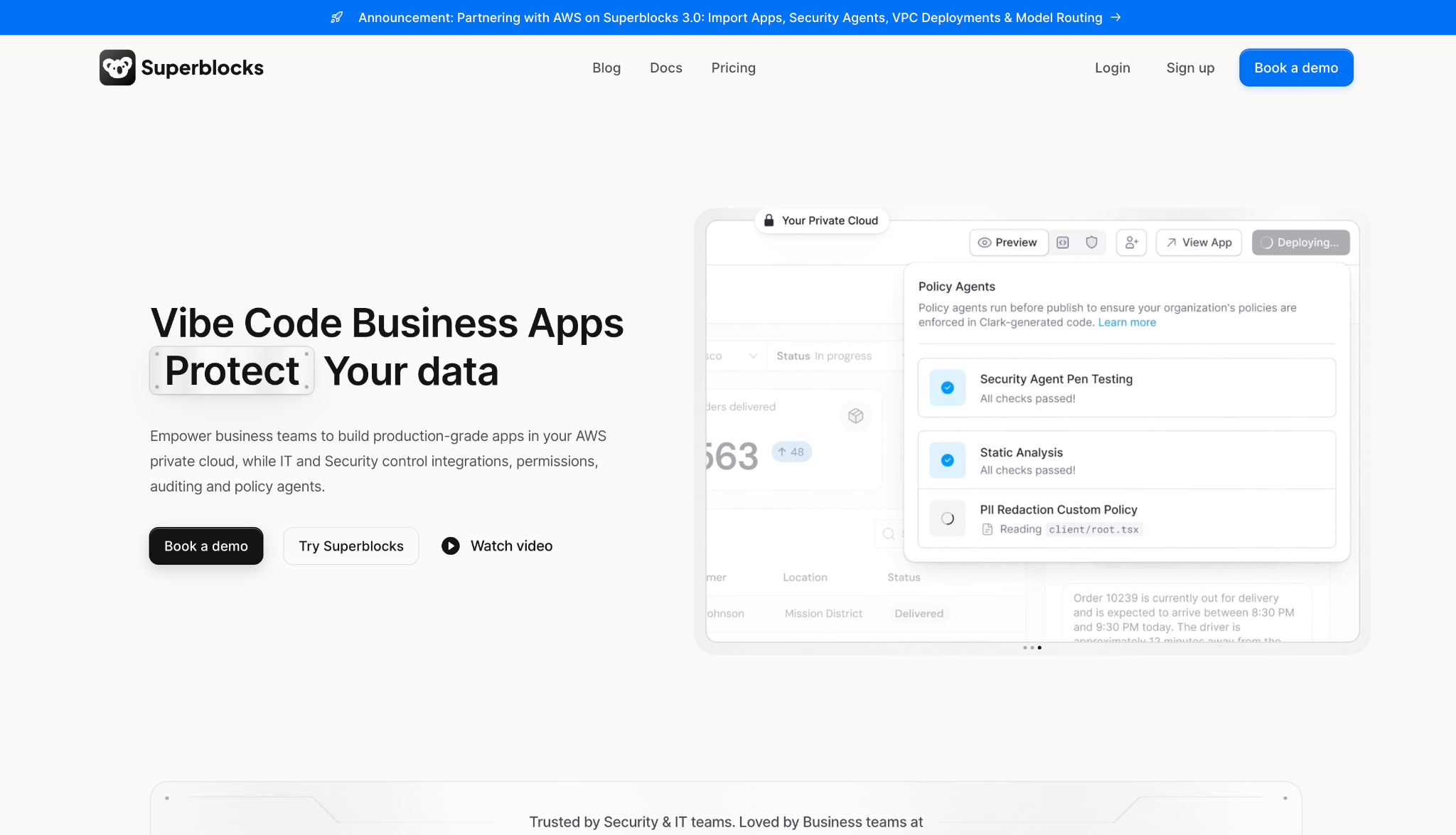
Superblocks does a different job than the coding tools above: governed vibe coding for business teams. When the people who want to build aren't developers, and IT needs to know what they ship, you're no longer shopping for an editor; you're shopping for a platform.
It's the governed enterprise vibe coding platform. Business teams describe an app to Clark, its AI builder, and get a production app inside guardrails IT sets once.
Those guardrails follow the app everywhere. Every build, query, and integration access is logged, and you can import prototypes from Claude, Lovable, or Replit and take them to production inside those same controls.
Key features
- Clark AI builder: Turns plain-language prompts into production apps in React.
- Superblocks MCP: Lets IT query who created what, what data it touched, and who has access.
- Audit logs: Cover every build, query, integration access, and package install.
- Governed integrations: Inherit existing access controls and keep secrets out of generated code.
Pros
✅ Governance and audit trail no coding IDE here offers
✅ Non-engineers ship real apps inside IT guardrails
✅ Exports to React code, no vendor lock-in
Cons
❌ Aimed at internal business apps rather than general software development
❌ Enterprise pricing sits above the individual tools here
Best for
- Business teams building internal tools with AI
- IT leaders who need to govern what ships
Pricing
14-day free trial. Teams is $125/month with governed agent units.
8. Aider
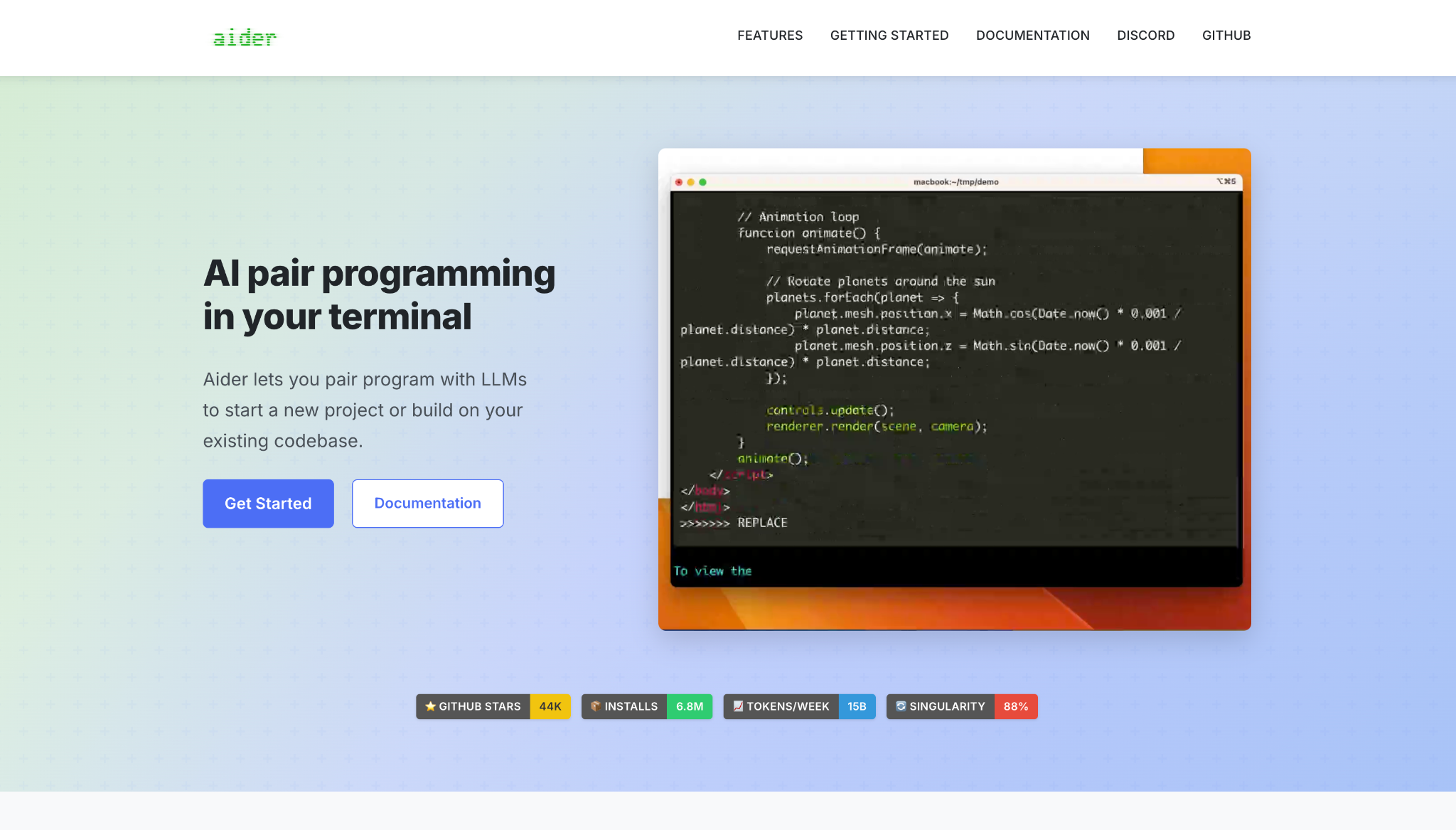
Aider commits every change to git as you go. The original terminal AI pair programmer stages each edit as its own descriptive commit, so you review, manage, or revert model work with the git commands you already know. It's open-source and can point to any model per run.
It maps your whole codebase to stay useful on larger projects, runs linting and tests with automatic error fixing, and even takes spoken requests through voice-to-code. That track record shows in the numbers: its 6.8 million installs make it the most-adopted git-native terminal tool here.
Key features
- Auto git commits: Each change lands as its own descriptive commit.
- Model flexibility: Point it at Claude, GPT, DeepSeek, or a local model per run.
- Lint and test loop: Runs your linters and tests, then fixes what breaks.
Pros
✅ Stages every edit as its own git commit you can revert
✅ Free, open-source, and lightweight
✅ Works with any model, including local
Cons
❌ Terminal-only, with no visual interface
❌ Less autonomous than agentic IDEs here
Best for
- Anyone who wants git-native terminal editing
- Fans of a proven, minimal tool
Pricing
Free and open-source. You pay your model provider per token. See Aider.
9. OpenCode
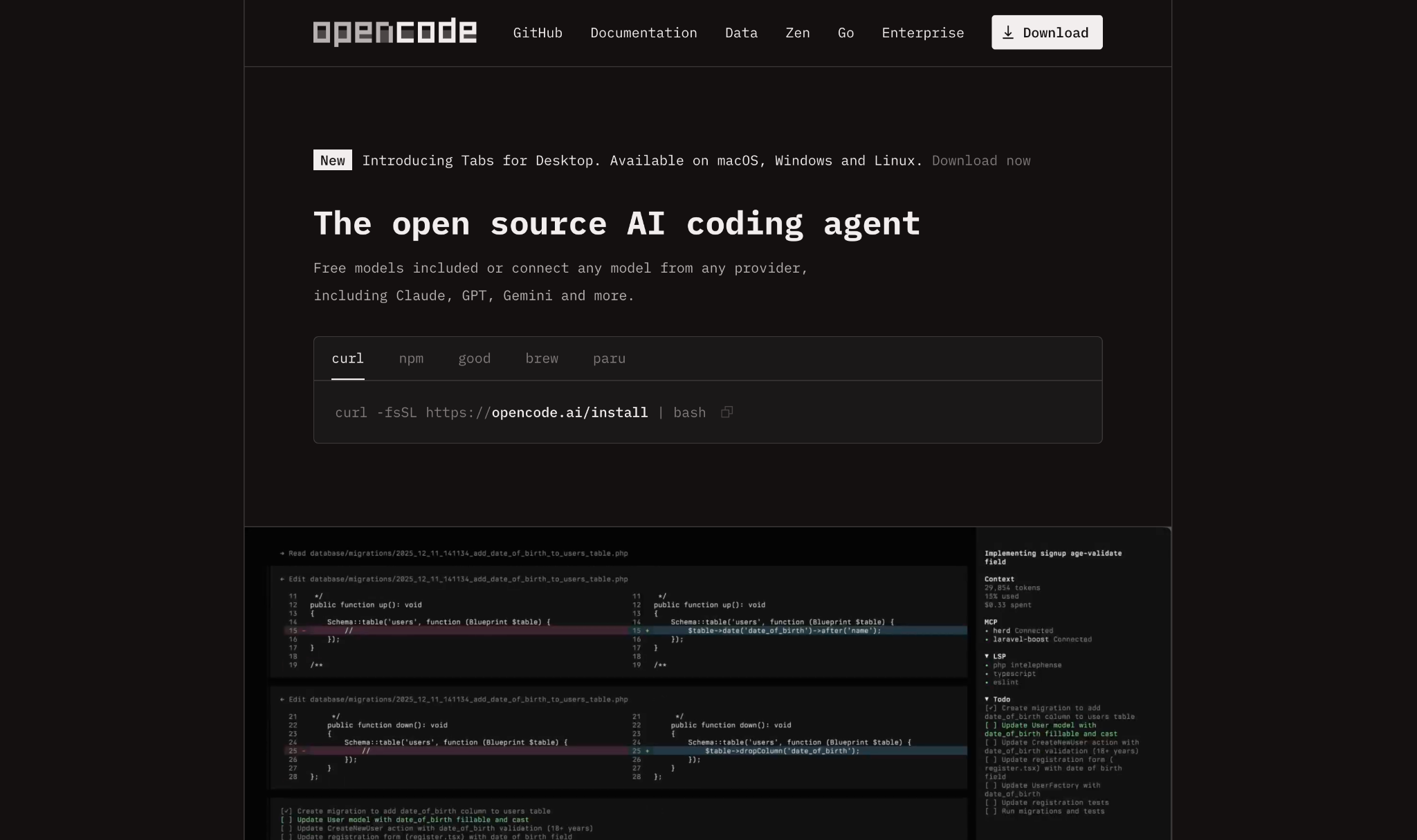
OpenCode gives you the widest model choice of anything here. It routes 75+ providers through a bring-your-own-key model, works with local models, and even reuses subscriptions you already hold like ChatGPT or Copilot. No single vendor owns it.
It runs in the terminal, a desktop app, or your IDE and automatically loads the right LSP for each language. Wherever you run it, nothing you write leaves your machine, since it keeps no copy of your code.
Key features
- 75+ providers: Route any model through one agent.
- Multi-session: Run several agents in parallel on the same project.
- No code storage: Keeps none of your code or context, which suits privacy-sensitive shops.
Pros
✅ 75+ providers, more than any other agent here
✅ Free, open-source, and independent
✅ Runs local and offline models
Cons
❌ Your results are only as good as the model you plug in
❌ You own the setup and tuning
❌ Terminal-first, so less visual than an IDE
Best for
- Developers chasing maximum model freedom
- Privacy-sensitive teams running local models
Pricing
Free with bring-your-own-key. OpenCode Zen, its optional gateway of tested models, is pay-as-you-go per token.
10. Amazon Q Developer
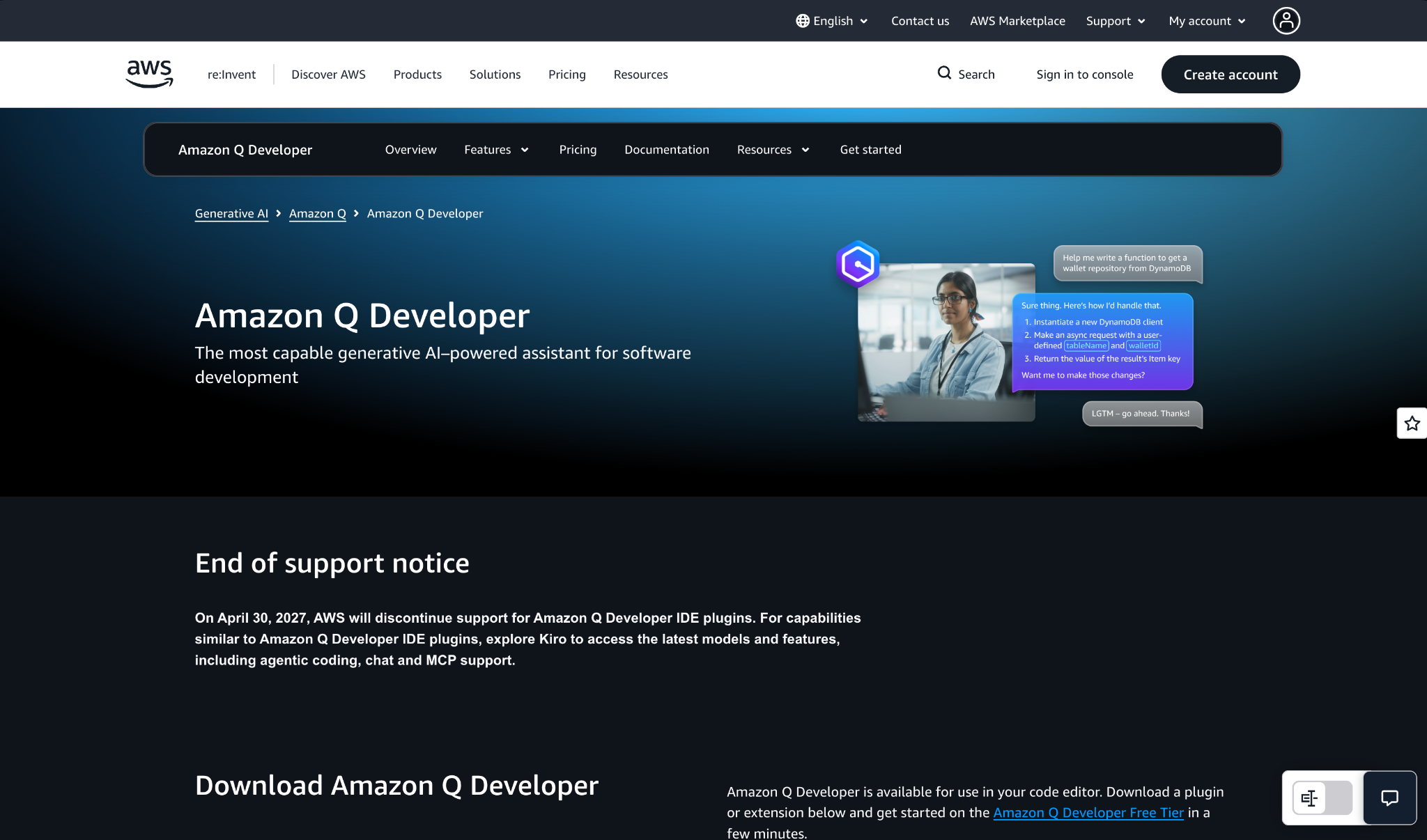
Amazon Q Developer folds coding help into the AWS stack. If your infrastructure already runs on AWS, it brings code suggestions, vulnerability checks, and agentic task handling into the tools you use, trained on AWS services, patterns, and docs.
It spans IDE and CLI, generates and reviews code, and scans for vulnerabilities as you work. It also handles code transformation, like Java 8-to-17 upgrades and .NET Windows-to-Linux porting.
Key features
- AWS-native: Trained on AWS services, patterns, and docs.
- Security scanning: Flags vulnerabilities across popular languages.
- Code transformation: Automates Java upgrades and .NET porting.
Pros
✅ Strong fit for AWS-centric teams
✅ Security scanning included
✅ Generous free tier
Cons
❌ Strongest inside the AWS stack
❌ Less model flexibility than open-source agents
Best for
- Teams building primarily on AWS
- Anyone who needs vulnerability scanning on by default
Pricing
Free tier available. Pro is $19/user per month.
11. Replit
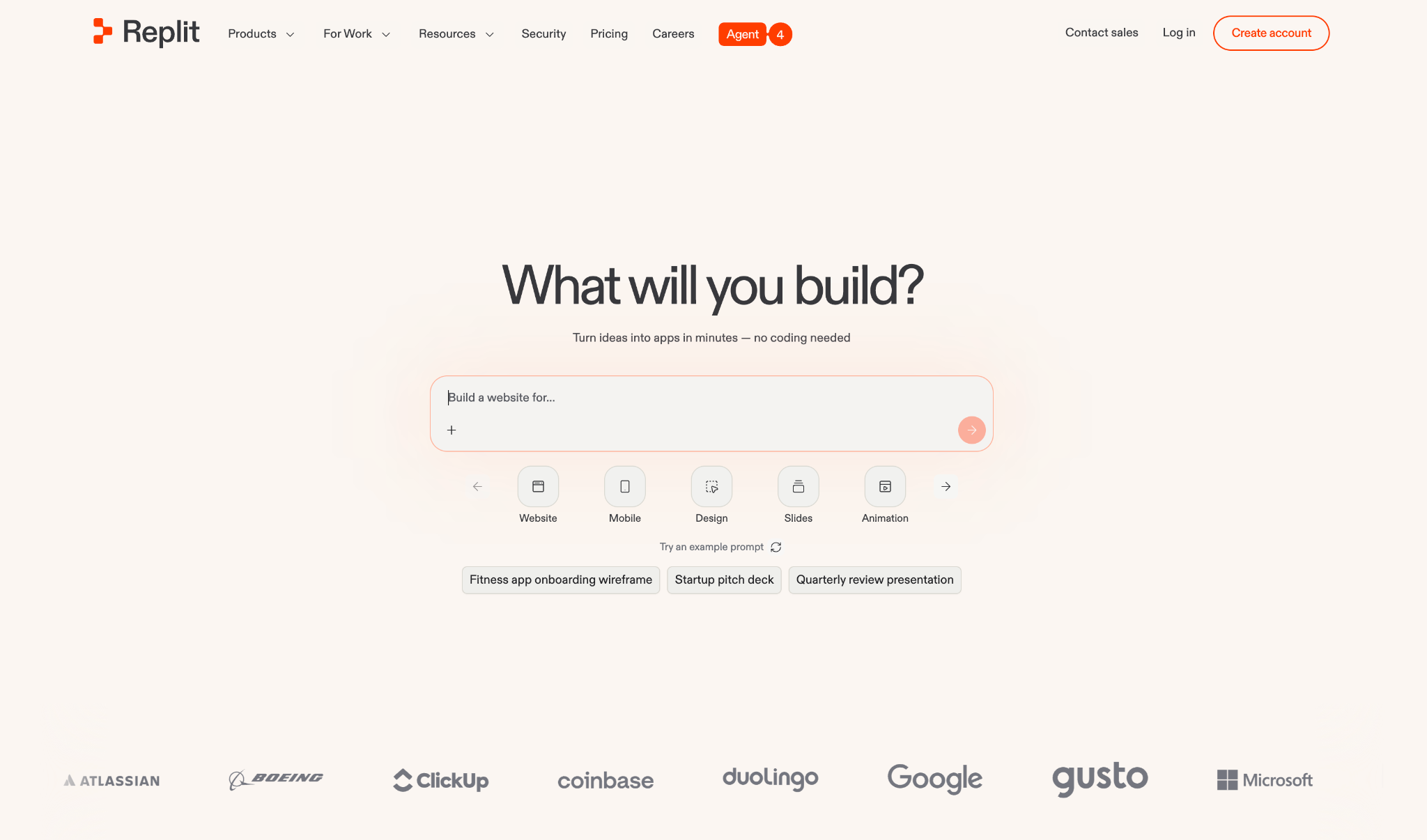
Replit lets you build and ship from a browser tab, with almost nothing to install. It's a cloud IDE where Replit Agent turns a prompt into a working app, with the database, authentication, and hosting already wired in. You can pick it up from any device, including your phone.
Agent 4 writes and evolves production code, parallel agents split work across auth, data, and design at once, and an infinite canvas lets you tweak the look visually. That suits non-developers and quick full-stack builds, though it gives up the precise, line-level control a real code editor has.
Key features
- Replit Agent 4: Turns a text prompt into a deployable full-stack app.
- Parallel agents: Split auth, database, and design work simultaneously.
- Bundled infrastructure: Database, auth, and hosting with zero setup.
Pros
✅ Build from any device, browser-only
✅ Database and hosting included
✅ Beginner-friendly path to a live app
Cons
❌ More app builder than precise code editor
❌ Agent output is probabilistic and needs review
Best for
- Non-developers building full-stack apps
- Anyone who wants to code from the browser
Pricing
Free Starter tier. Core is $20/month billed monthly ($20/month if you pay annually), with monthly agent credits.
How to evaluate a Cursor alternative
Run your options through these questions before you commit:
- Editor or terminal? If you want a visual editor, look at Devin Desktop (formerly Windsurf) or Zed. For a command-line agent you can script into CI, turn to Claude Code, Aider, or OpenCode.
- How much does model freedom matter? Cline and OpenCode route any model, including local ones. Cursor takes your own key for chat but not tab completion and runs no local models, while Claude Code and Codex stay on one vendor's stack. Full bring-your-own-key can cut costs sharply if you already hold API credits.
- What does heavy use really cost? Look past the sticker price. Credit-based tools bill for tokens on top of the subscription, so a $20 plan can run higher on agentic work than an open-source tool you point at your own key.
- Who's doing the building? Developers want an IDE or CLI. If business teams are the ones building internal apps, a governed platform is a better fit than another coding agent.
- What's your stack? AWS teams gain from Amazon Q, GitHub teams from Copilot, where native integration cuts friction.
Where governance changes the pick
For many developers leaving Cursor, it comes down to one constraint. Windsurf is the closest swap, Zed wins on speed, and if you want to bring your own key and route any model, Cline or OpenCode get you there. No single tool replaces Cursor for everyone, so match it to what matters to you: interface, model freedom, or cost.
But one situation doesn't fit that pattern.
If you're looking past Cursor because non-technical teammates want to build internal tools, that's a different job. Coding agents assume a developer at the keyboard. When business teams build with AI on their own, the question moves from which editor to whether IT can see and govern what ships. Ungoverned AI building carries the same risks IT once faced with shadow IT.
That's what Superblocks is for. It's a governed enterprise vibe coding platform, where business teams build apps with AI inside guardrails IT configures once, with audit logs, RBAC, and React code export.
Cursor is the engineer's IDE, and Superblocks is the governance and deployment layer for everyone else. For the wider category, see our guides to the best enterprise vibe coding tools and our Cursor pricing breakdown.
If that's the problem you're solving, book a demo.
Frequently asked questions
What is the best Cursor alternative?
The best Cursor alternative depends on your constraints. Devin Desktop (formerly Windsurf) is the closest IDE swap, Zed leads on editor speed, and Cline or OpenCode win on open-source model freedom. Interface, model options, and cost usually decide it.
Is there a free Cursor alternative?
Yes, several Cursor alternatives cost nothing to start. Cline, Aider, and OpenCode are open-source and free to install, though you pay per token for the model you use. Zed has a free-forever tier, and Windsurf's no-cost plan covers daily coding, well beyond a short trial.
Why do developers switch from Cursor?
Developers switch from Cursor mainly over cost and model control. Credit charges climb once you leave Auto mode; your own API key works only for chat, not tab completion; there's no local-model support; and heavy agentic work adds token costs on top of the subscription.
That's why the alternatives exist. They offer lower prices, fuller model freedom, or a terminal-first workflow.
What is the best open-source Cursor alternative?
The best open-source alternatives to Cursor are Cline, Aider, and OpenCode. All three are free, model-agnostic, and let you bring your own key or run local models. OpenCode leads on provider breadth with 75+ options, while Aider is the git-native favorite.
Can a Cursor alternative use Claude models?
Yes, most on this list can run Claude. Cline, Aider, and OpenCode let you point them at a Claude API key, and Windsurf, Copilot, and Zed include Claude in their model pickers. Claude Code runs Anthropic's models directly.
At Virgin Voyages, non-technical teams now build their own AI apps, with IT governance fully intact. The result: 15+ production apps, seven departments onboard, and zero dedicated frontend engineers.
At Matthews, a marketing manager with zero coding background built an app that auto-generates offering memorandums, cutting turnaround from days to hours. See how the brokerage is putting AI builders on every team, with full governance intact.


Stay tuned for updates
Get the latest Superblocks news and internal tooling market insights.
Request early access
Step 1 of 2
Request early access
Step 2 of 2

You’ve been added to the waitlist!
Book a demo to skip the waitlist
Thank you for your interest!
A member of our team will be in touch soon to schedule a demo.
production apps built
days to build them
semi-technical builders
traditional developers
high-impact solutions shipped
training to get builders productive
SQL experience required
See the full Virgin Voyages customer story, including the apps they built and how their teams use them.

"Those tools are great for proof of concept. But they don't connect well to existing enterprise data sources, and they don't have the governance guardrails that IT requires for production use."
Table of Contents
%20(1).png)

Multiple authors
12 AI Agent Deployment Best Practices [2026]
AI agent deployment best practices that move an agent from offline evals to full traffic in stages, with scoped tools and a way to revoke it mid-task.
%20(1).png)
%20(1).png)